 App Building
7 best AI app builder tools: top platforms to build faster
Ready to see what Base44 can do for you? Get started →
If you’re searching for the best AI app builder tools, you’re probably looking for platforms that help you design, build and launch powerful apps with less manual work while still keeping full control over quality.
AI app builders don’t just speed things up. They help you plan smarter, automate repetitive tasks, ship features faster and stay focused on the mission behind your product.
Learn more: How does an AI app builder work
Below, you’ll find a detailed list of the best AI app builder tools, starting with Base44. You’ll also get a TL;DR, feature breakdowns, pricing notes and answers to common questions. Base44 gives users a real-time AI collaborator available at every step.
TL;DR: best AI app builder tools
Here’s a quick overview of the best AI app builder tools and what they help you do.
In short:
AI app builders combine automation, AI copilots and code generation so you can move from idea to working product faster. They reduce repetitive work, help you structure logic correctly, and make testing and iteration easier. If you are still wondering what is an AI app builder, think of it as a platform that removes most of the heavy lifting so you can focus on users and strategy. Base44's no-code app builder handles complex infrastructure so users never have to.
Many teams also ask what is a no code AI app builder. This is simply an AI-powered platform that lets you build apps visually without writing traditional code, while still giving you control over functionality.
Overall, the big picture benefits of an AI app builder are clear. Around 84% of developers now use or plan to use AI tools in their workflows, which shows these capabilities are quickly becoming standard in software development.
Key advantages:
- Faster prototyping and shipping
- Less repetitive coding
- Fewer bugs and manual errors
- Better visibility into app logic and performance
- More time to focus on customers and growth
Quick comparison table
| Tool | Best for | Learning curve | AI capabilities | |---|---|---|---| | Base44 | Complex apps that need automation and scheduling | Low to Medium | Advanced | | Wix | Business owners building native apps fast | Low | Strong AI design workflow | | HorizonUI | Product teams building MVPs | Low | Strong | | Bubble | No-code founders building web apps | Medium | Good | | VO | AI-powered workflows | Medium | Advanced | | Bolt | Developers wanting AI coding help | Medium | Strong | | Emergent | Teams experimenting with AI ideas | Medium to High | Advanced |
Learn now how to build an app with AI
7 best AI app builder tools
Below are the best AI app builder tools, starting with Base44 and Wix’s App Builder and ending with tools that excel in varying use cases:
- Base44
- Wix
- HorizonUI
- Bubble
- v0
- Bolt
- Emergent
01. Base44
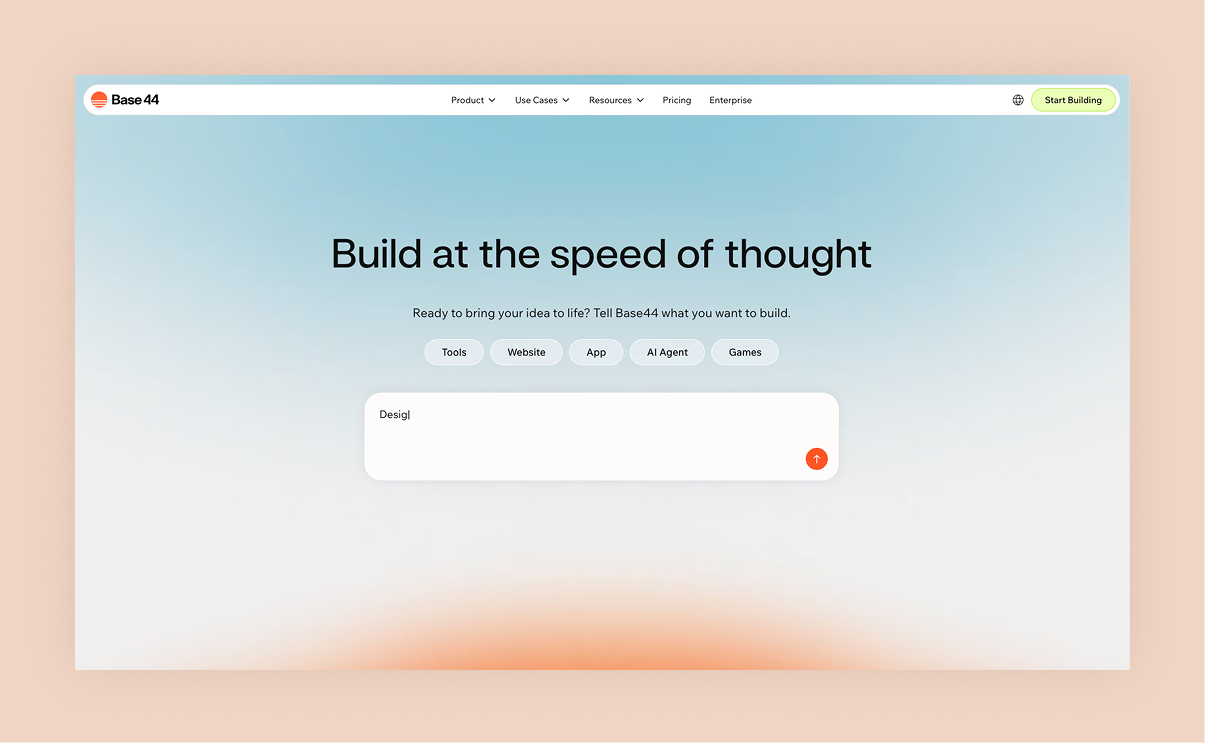
Base44 is built for teams that want AI support throughout the creation process, including planning, building, testing and maintaining apps.
Instead of locking you into strict templates, Base44 helps you orchestrate complex workflows, automate background tasks, streamline backend logic and maintain clear documentation for your entire project.
It works especially well for apps that need recurring jobs, scheduled processes, integrations and logic-heavy features.
Standout features:
- AI-assisted planning and scaffolding
- Automated workflows and scheduling
- Clear visibility into dependencies and triggers
- Real-time debugging guidance from AI
- Built to scale with your product
Pricing: Free plan available. Base44's paid plans start at $16/mo (billed annually). Month-to-month pricing plans also available.
"One of the most powerful things about Base44 is how it democratizes app building. You don’t need a massive budget or a team of developers to create something impactful. It’s a game-changer for small businesses and solo entrepreneurs." - Ilay Granot, Marketing at Base44
Learn more about Base44:
02. Wix
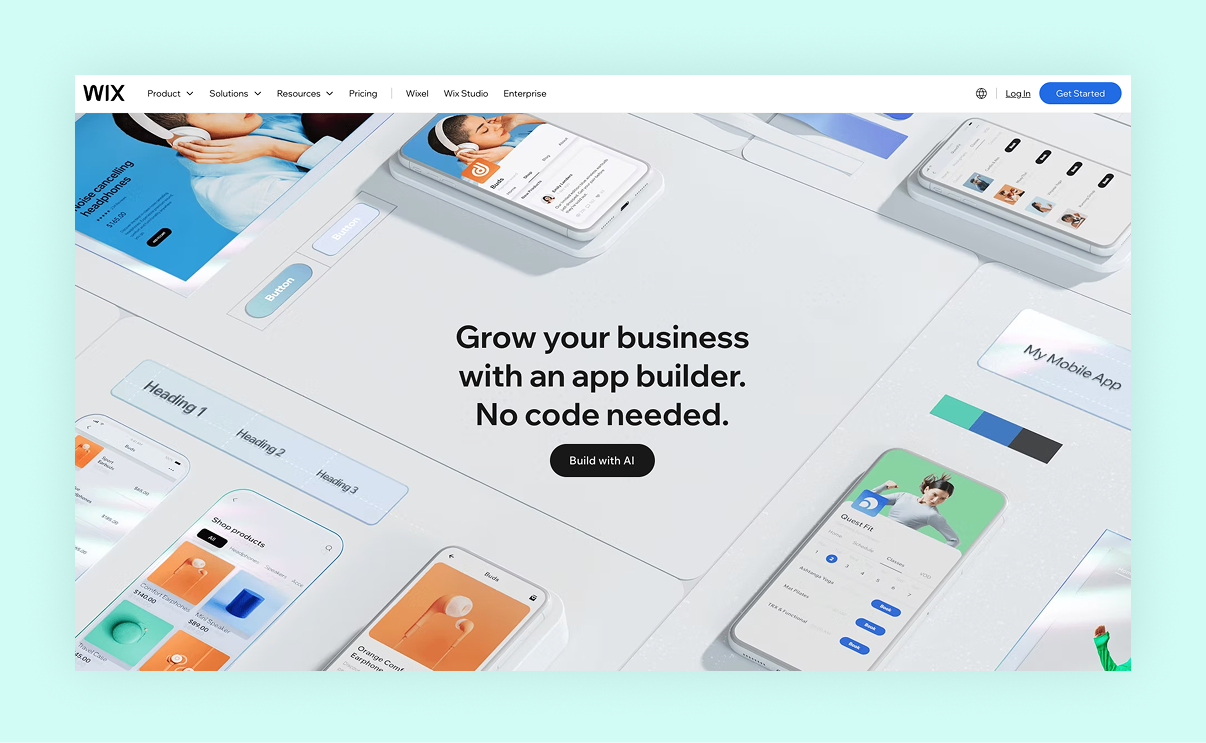
The Wix app builder lets you create a mobile app for iOS and Android. It includes AI-powered tools (including an AI website generator) that guide you through a conversational setup process so you can describe your business and vision and the system builds the app for you.
One major strength is its real-time sync between your existing Wix site and your app, meaning your content, bookings, stores and forums update instantly in both places.
The Wix app builder also includes branding tools, design customization and automatic updates for the latest mobile OS versions, which makes it ideal for business owners looking to launch a professional mobile app quickly.
Standout features:
- AI-powered app creation via guided prompts
- No-code development for iOS and Android
- Real-time synchronization with your Wix website
- Custom branding and layout control
- Built-in business features like stores, bookings and forums
Pricing: Free plan available. Wix app builder paid plans start at $17/mo (billed annually). Month-to-month pricing also available.
Learn more:
- What is the best AI app builder
- Best AI website builders
- How to write AI prompts
- How to secure an app
03. HorizonUI
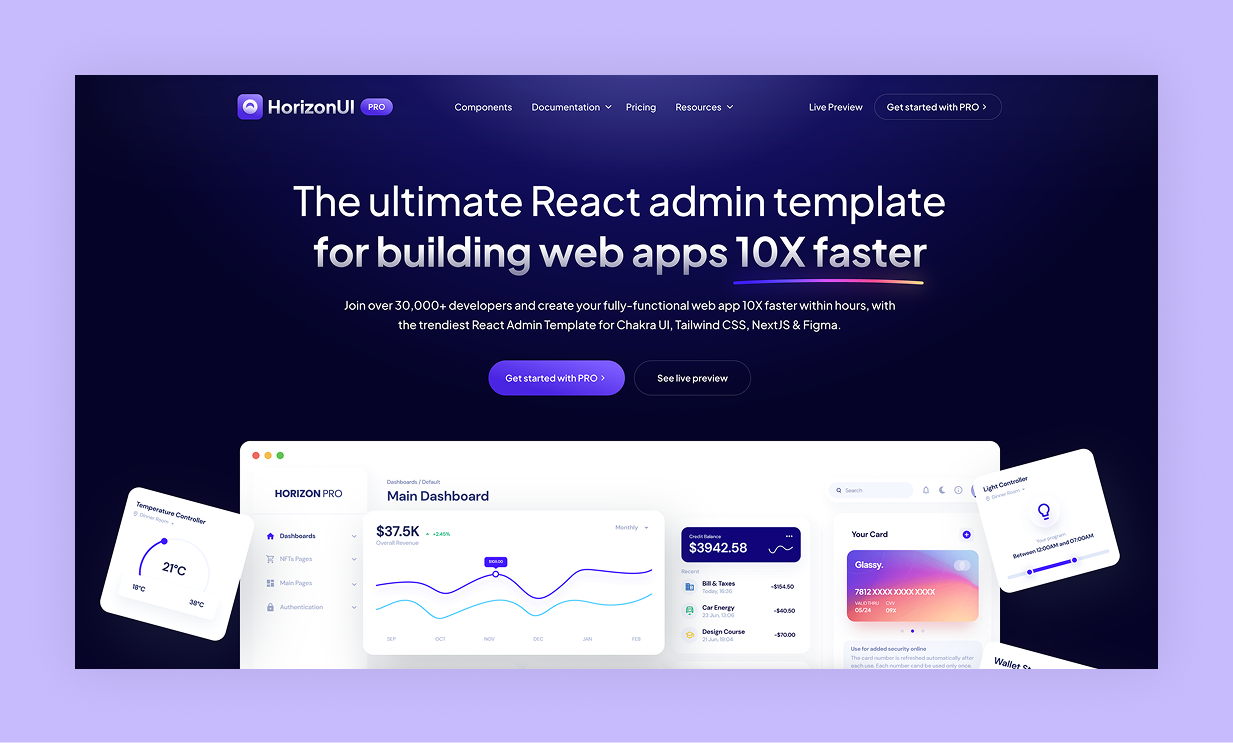
HorizonUI helps product teams quickly move from idea to workable MVP. With AI-guided prompts and smart scaffolding, it cuts down the time between concept and first release.
Standout features:
- Idea-to-structure AI prompts
- Prebuilt modules for common features
- Rapid prototyping tools
- Collaboration support for teams
Pricing: HorizonUI offers plans for personal (for one developer) and teams (up to ten developers). Paid personal plans start at $69.
04. Bubble
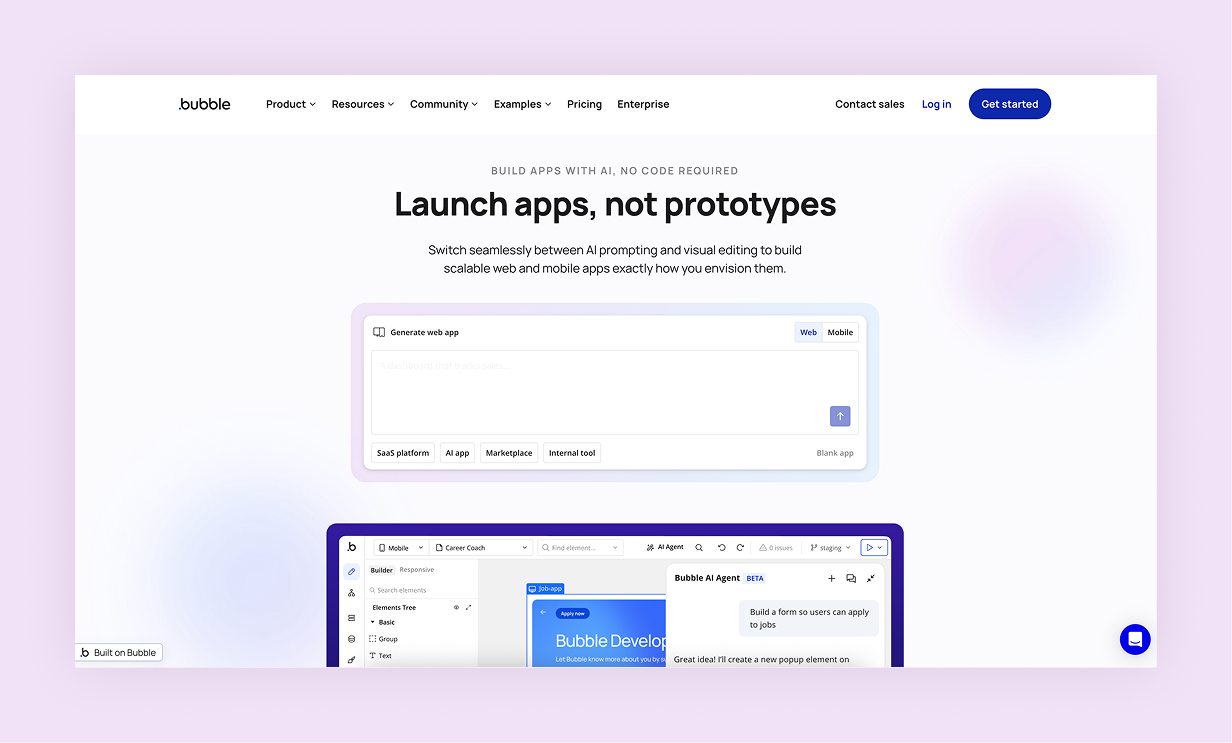
Bubble adds artificial intelligence tools inside the popular Bubble ecosystem to assist in building web apps without code.
Standout features:
- Visual drag-and-drop app building
- AI help generating workflows and logic
- Included hosting and deployment
- Plugin ecosystem for third-party integration
Pricing: Free plan available. Paid web and mobile plans start at $59/mo (billed annually). Month-to-month pricing also available.
Compare Base44 vs Bubble
05. v0
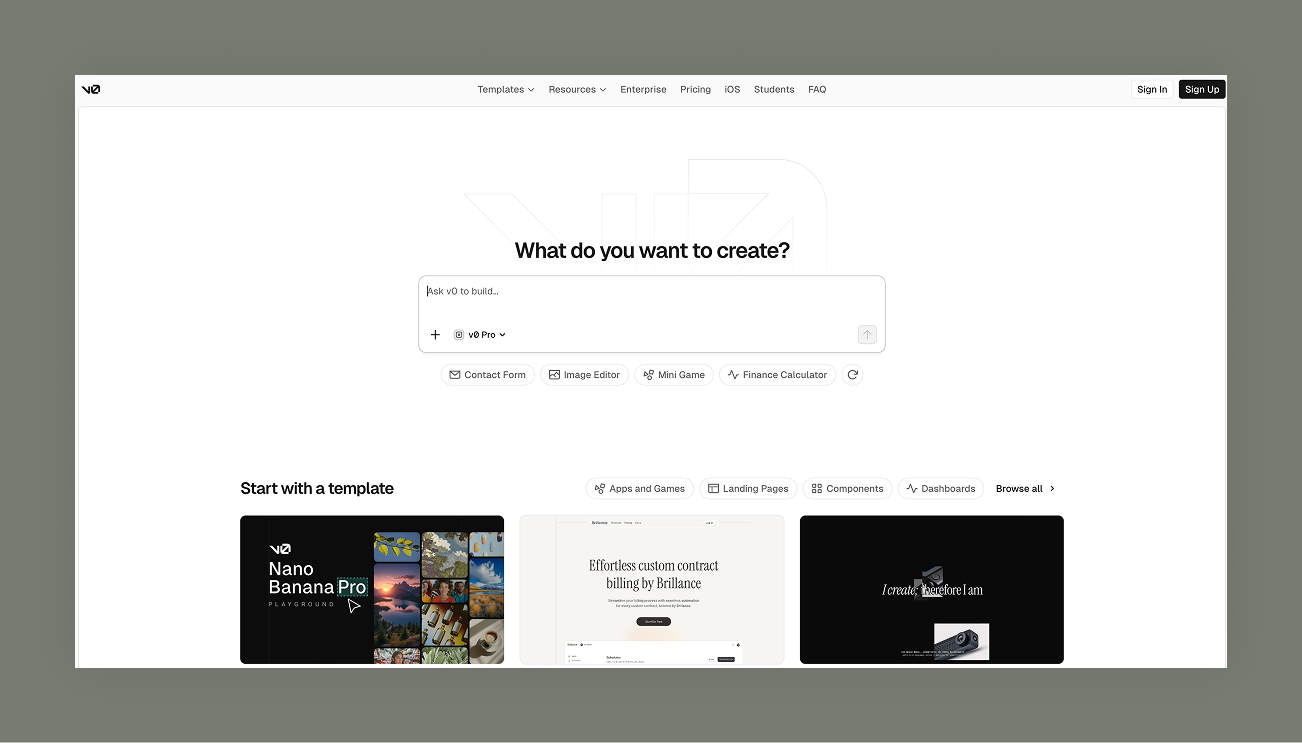
v0 is designed to build intelligent workflows inside apps so they can handle data routing, updates and notifications automatically.
Standout features:
- Automation engine
- AI-powered logic suggestions
- Built-in integrations with popular tools
- Usage analytics
Pricing: Free plan available. Paid plans start at $20/mo (billed annually).
Compare Base44 vs v0
06. Bolt
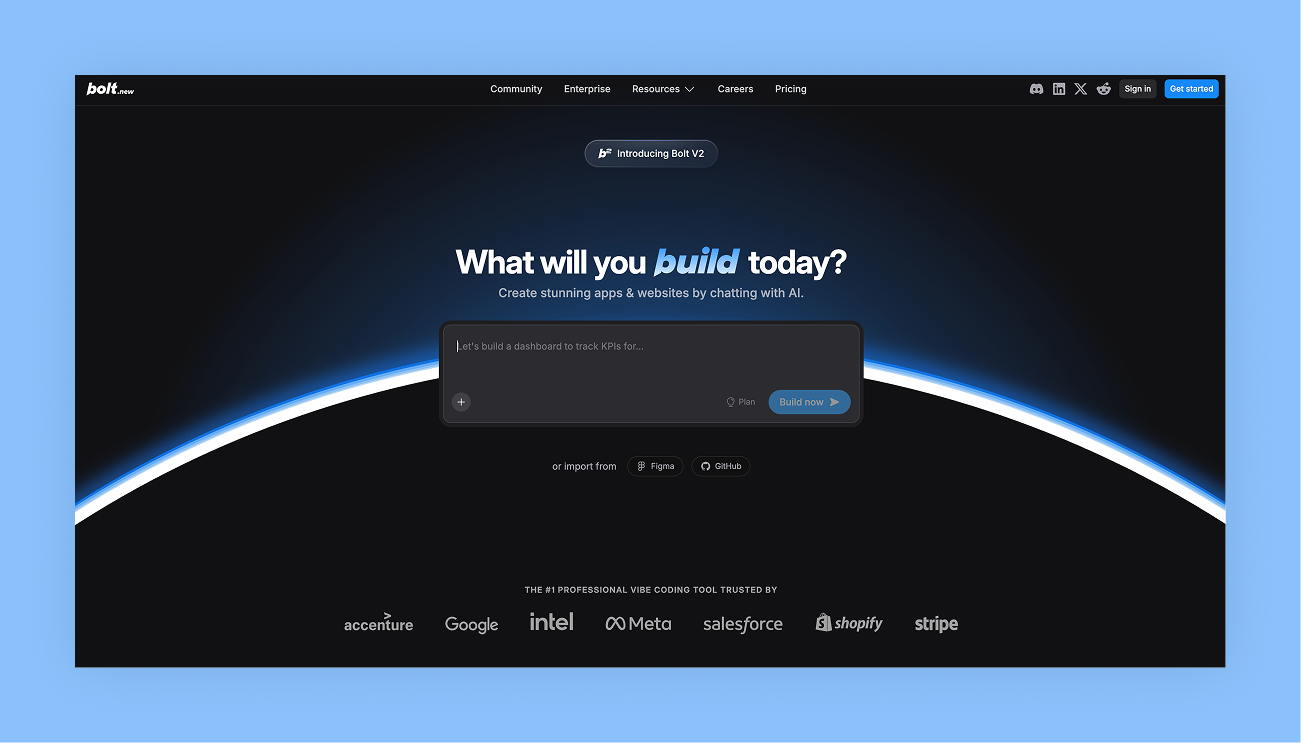
Bolt blends traditional developer workflows with AI acceleration. It’s ideal for teams or individuals who want hands-on coding but with AI support to speed things up.
Standout features:
- AI-assisted code generation and refactoring
- Project scaffolding tools
- Support for modern stacks
- Developer-focused documentation
Pricing: Free plan available. Paid plans start at $20/mo (Pro), with Teams at $30/member/mo.
Compare Base44 vs Bolt
07. Emergent
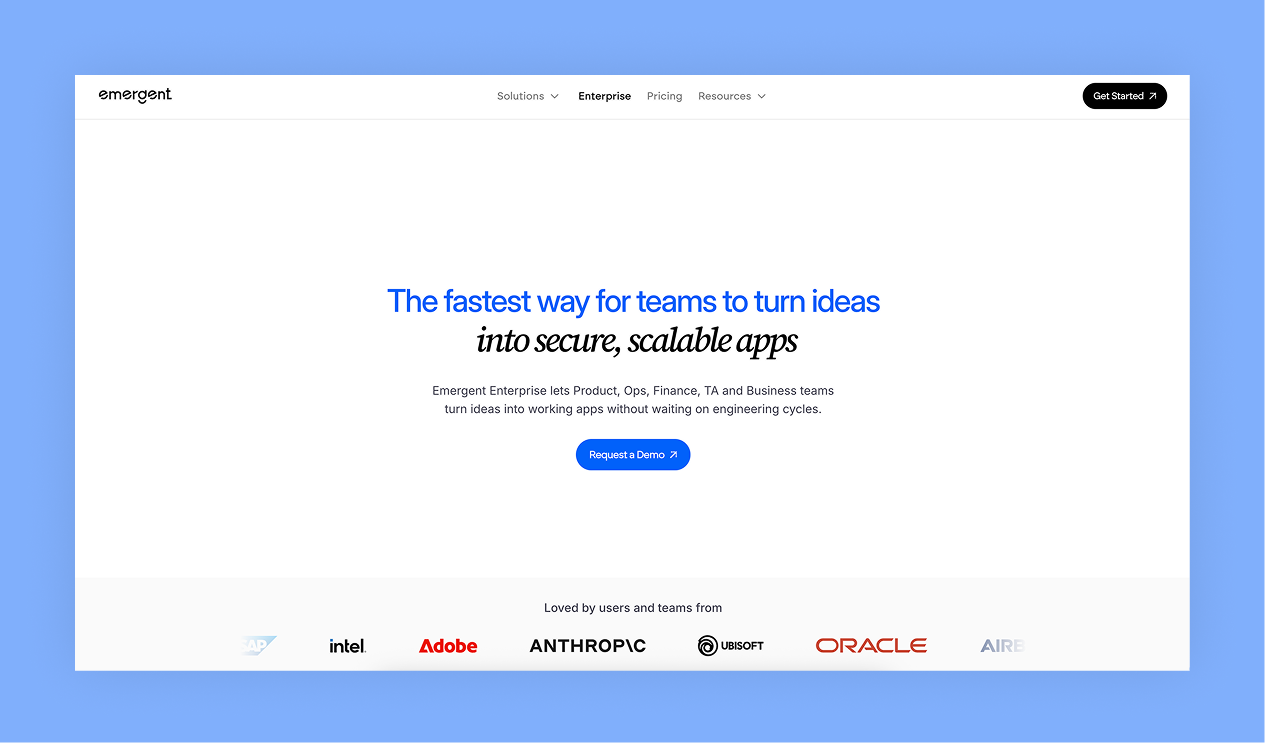
Emergent is geared toward teams exploring AI-driven concepts. Its tools support advanced experimentation and data-driven app logic.
Standout features:
- AI-first architecture
- Strong experimental tools
- Data-centric workflows
- Flexible integrations
Pricing: Free plan available. Individual plans start at $17/mo (billed annually). Month-to-month pricing also available.
How to choose the best AI app builder tools
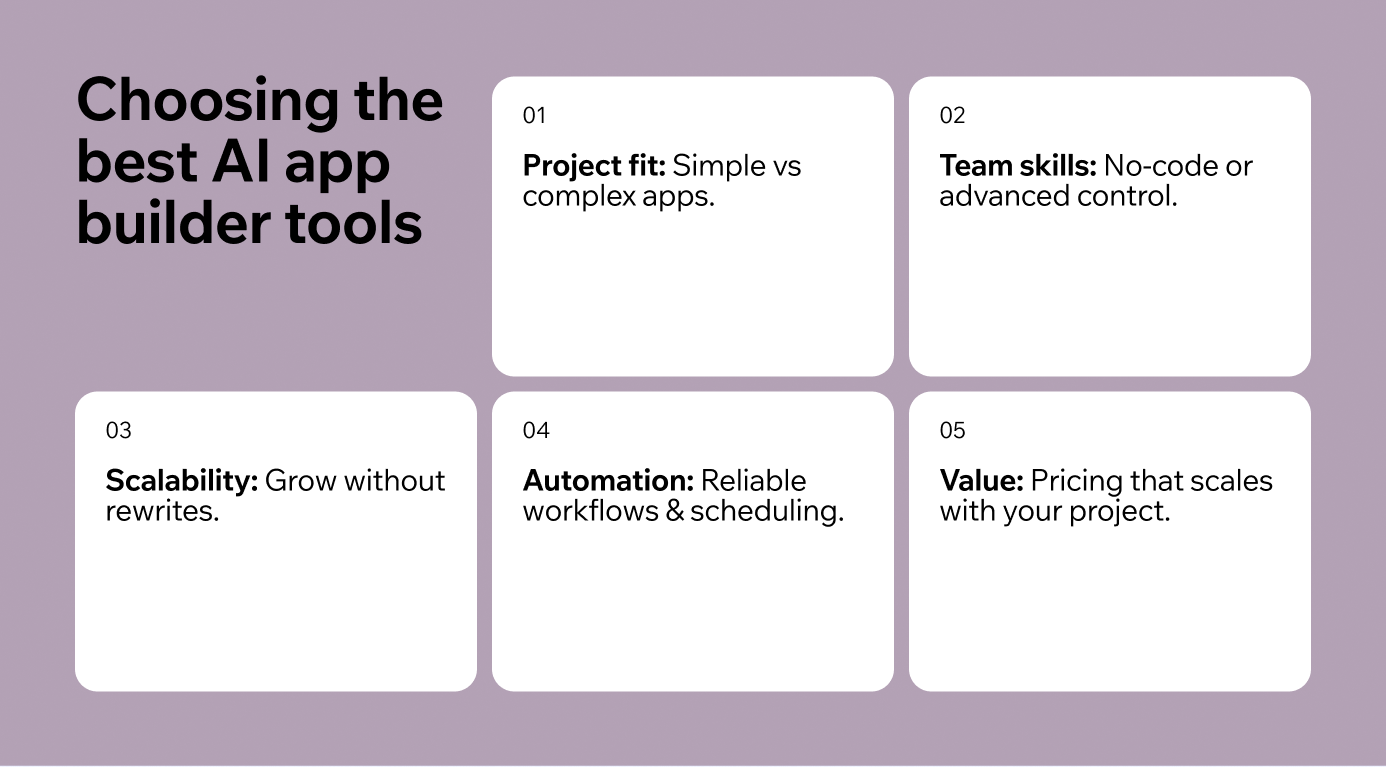
Choosing the right AI app builder tool depends on what you are building, who is building it and how you plan to grow the product. No single platform is perfect for all scenarios, so it helps to think about what matters most to your project.
Below are the key criteria to consider, along with practical context on where each tool performs best and how Base44 compares.
Project complexity
If your app is simple, like a basic task tracker, brochure site or form-based app, most AI builders will get you there with minimal effort.
However, as your app’s complexity grows, for example, when you need scheduled processes, multiple interconnected workflows or advanced logic, Base44’s strength becomes clearer.
Base44 is purpose-built to help developers and product teams manage complexity without hard limits on app structure. It provides AI assistance that adapts to your needs, not the other way around.
Where Base44 excels: Complex logic, cross-workflow orchestration, reusable automation.
Other tools: Great for simpler apps and early experimentation.
“What makes Base44 powerful is that it shifts your mindset from coding to problem-solving. You spend less time fighting syntax and more time building something users actually want.” - Nina Boyd, PMM at Base44
Learn more:
Full-stack vs frontend-only output
The single biggest distinction between AI app builders is what they actually generate. Some tools produce a polished UI but stop short of databases, authentication, or deployment. Others build the entire stack, front-end through backend, in one pass. The first category is great for demos and pitch decks, but you'll hit a wall the moment you need real users, persistent data, or paid features.
Base44 is built as a full-stack platform from the start. Every app you generate includes a backend, user authentication, database storage, and hosting — no separate setup required. That distinction matters most when you're shipping something real, not just prototyping. If the tool you're evaluating only generates UI components, plan for the work of wiring up everything else.
Where Base44 excels: Full-stack apps with backend, auth and database included out of the box.
Other tools: Some excel at UI generation but require external services for backend infrastructure.
Team skill level
If you have a non-technical team, tools with drag-and-drop interfaces and guided AI workflows lower the barrier to entry. These platforms are designed so that people without coding backgrounds can get outputs quickly.
Base44, while still usable by non-technical builders, assumes you care about precision and maintainability. Its interfaces and AI-augmented tooling help teams that do have development experience move more confidently, while also supporting those who want AI help without sacrificing long-term control.
Where Base44 excels: Balanced for teams with some technical experience who want extensibility and clarity.
Other tools: Excellent for absolute no-code creation and quick visual setups.
This is a long article and only part of it is shown here. Read the full article on iCARE.