 App Building
How to build an app with AI in 6 steps
Ready to see what Base44 can do for you? Get started →
This guide walks you through everything you need to know about how to create an app with AI, from choosing your concept to launching your finished product.
We'll cover the essential steps, share practical tips and highlight the best vibe coding tools that make app creation without coding faster, smarter and more collaborative.
Thanks to AI app development advancements, you can turn your brilliant idea into a working prototype faster than ever before. In fact, almost two-thirds (65%) of top-performing companies have fully adopted AI, including app development and management, as of 2025.
What once required extensive programming knowledge and weeks of development can now be accomplished in no time using an intuitive AI app builder and the right strategy.
For many creators, exploring the best AI app builders like Base44 is the first step toward unlocking that speed and accessibility.
AI-powered builders like Base44 take this further. Base44's AI app builder interprets your natural-language instructions as real app logic, generating features and flows from what you describe, not what you click. It handles the complex infrastructure, backend logic and data management for you, so what comes out of a single conversation is a working app, not just a mockup. And Base44's one-click connectors let you plug in tools you already use, like Google Drive and Salesforce, with no integration code, plus manual API integrations for tools like Zapier using your own credentials.
Base44 ships with built-in verification, security review and a testing agent so your app is checked before it ever goes live, and Builder-plan workspaces can connect Wiz for deeper dependency and code scanning.
Learn more: How to create an app as a beginner

TL;DR: how to build an app with AI
Learning how to build an app with AI is faster and more accessible than ever. With the right app builder, clear prompts and testing, you can turn ideas into functional software in hours instead of weeks. Platforms like Base44 make it possible to generate complete apps, including backend logic and workflows using just natural language.
Learn more: How hard is it to build an app?
6 steps to build an app with AI
- Define your app's purpose and audience
- Write clear, detailed prompts for AI
- Generate your prototype with an AI app builder
- Preview your app
- Test and refine your app
- Secure, launch and promote your finished product
| How to build an app with AI | Step outcome | |---|---| | Define your app | Gives clarity and direction for development | | Write AI prompts | Ensures AI generates accurate and relevant results | | Generate a prototype | Quickly creates a working version of your app | | Preview your app | Helps you review structure and flow | | Test your app | Optimizes usability and performance | | Launch and promote | Ensures adoption and growth |
Ready to get started? Check out this AI prompting guide to learn how to write AI prompts that turn your ideas into fully functional apps.
How to build an app with AI in 6 steps
Follow these 6 key steps to AI app development. From defining your app to launching a polished product, you’ll learn exactly how to turn your concept into a working app using AI.
- Define your app
- Write AI prompts
- Generate a prototype
- Preview your app
- Test your app
- Launch and promote
01. Define your app
Start by defining your app's purpose and target audience. Are you building a productivity tool, social media platform, eCommerce app or something entirely different? Think about who will use your app and what problem it solves for them. This clarity will guide every decision you make during development.
Before you write a single prompt, it's worth a quick gut-check on the idea itself. Look at whether people are already complaining about the problem you want to solve (forums, reviews and social posts are gold here), see how existing apps handle it and where they fall short, and confirm there's a real audience who'd use what you're picturing. A few hours of this upfront saves you from building something nobody needs.
Consider these popular AI app building categories:
- Business and productivity app development
- Ecommerce and marketplace app development
- Educational and learning app development
- Entertainment app development
Here are some good questions to ask before deciding which app you want to build with AI:
- What specific problem does the app solve and for who?
- What outcome should users achieve in their first 60 seconds? (any longer than this and they may bounce)
- Who are the primary personas and edge users?
The Base44 AI app builder, for example, is great at creating business-focused applications with its intuitive AI generation system. The app builder can handle complex database relationships and user workflows, making it perfect for apps that need sophisticated backend functionality.
Learn more:
02. Write AI prompts
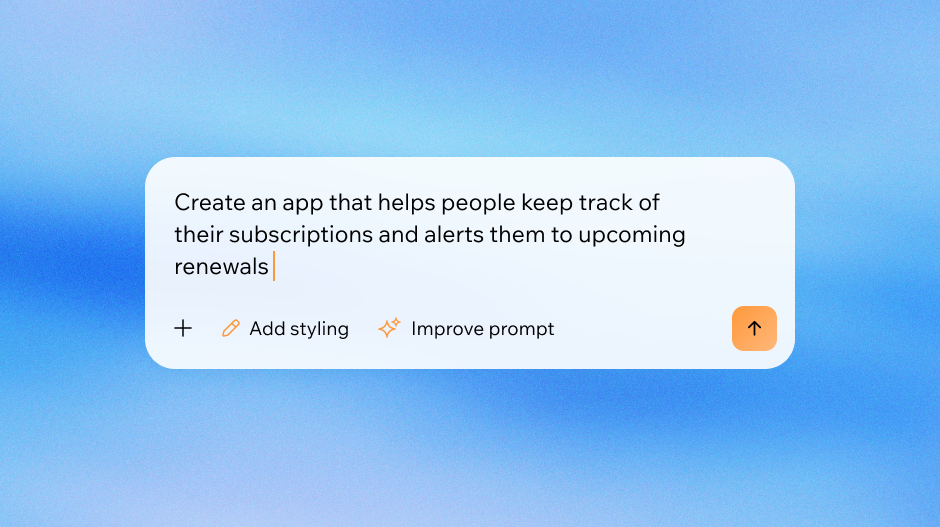
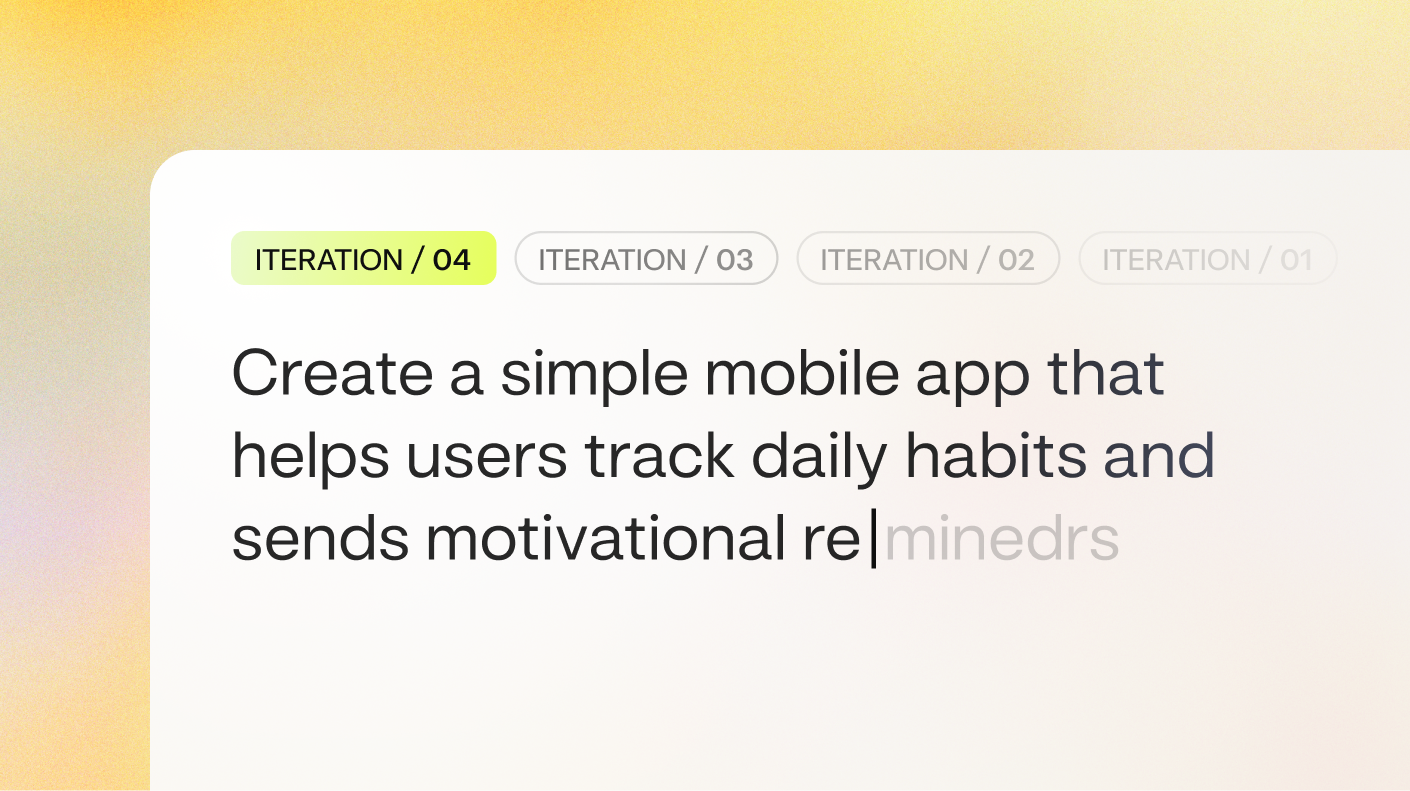
The quality of your AI-generated app depends heavily on how well you describe your vision. Effective prompts should be detailed but focused. Instead of saying "build me a social app," try something like:
"Create a fitness tracking app for runners where users can log their daily runs, track distance and pace, share achievements with friends and join local running groups. Include features for setting personal goals and viewing progress over time."
Include specific details about:
- Core functionality and features
- User types and permissions
- Data you need to store
- How users will interact with the app
- Any integrations you need
Good prompts save time and produce better results. Base44's AI works best when you provide clear, specific instructions about your app's purpose and functionality. You can also refer to a prompt library to find examples and inspiration for creating effective, high-quality prompts.
Need more inspiration? We've put together a few examples of good prompts to use when creating an app with AI.
Looking to start an eCommerce app to sell online?
“Create an eCommerce app for selling shoes online. Include a product catalog with images, size filters, and price sorting. Add a shopping cart, secure checkout, and order tracking. The design should be clean and minimalist, optimized for mobile, with a light color palette and bold product visuals.”
Why it works? It defines the goal (eCommerce for shoes), features (catalog, filters, checkout), and design direction (clean and mobile-friendly).
How about an app to schedule events?
“Build an event scheduling app that lets users create, edit, and share events. Include a calendar view, RSVP system, and push notifications. Allow syncing with Google Calendar and Outlook. Use a modern UI with color-coded events and an intuitive drag-and-drop interface.”
Why it works? It gives specific functionality (RSVP, sync, notifications) and integration details, guiding the AI toward real-world utility.
03. Generate an app prototype
With your prompt ready, it's time to generate an app prototype. Most AI app builders, including Base44, follow a similar process:
- Enter your detailed prompt
- Review the generated app structure
- Make initial customizations
- Generate your working prototype
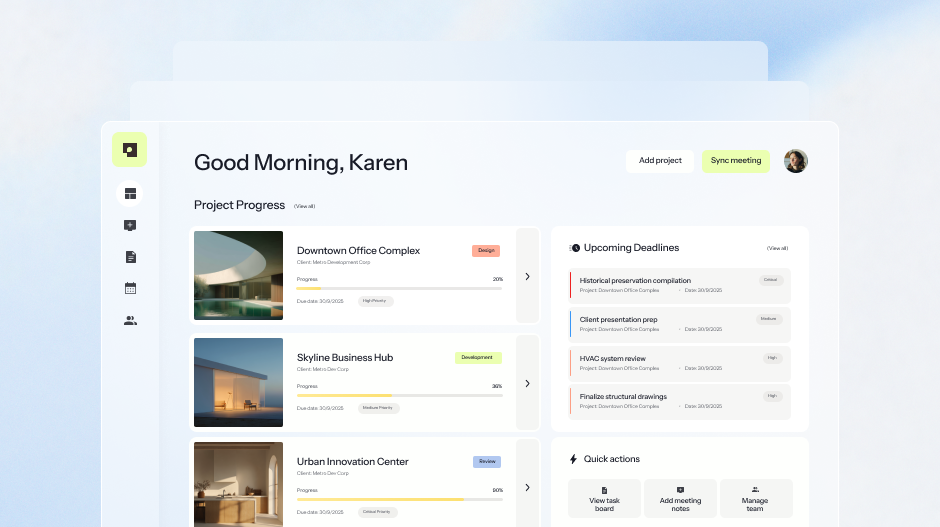
Base44's AI analyzes your prompt and creates not just the visual interface, but also the underlying database structure, user authentication and core workflows. This means you get a genuinely functional app, not just a pretty mockup. The generation process typically takes a few minutes, after which you'll have a working prototype ready for testing and refinement.
Ready to start building your app? Check out this quick start guide to create your first AI-powered app in minutes.
When building an app with AI, depending on its functionality and usage you may need to consider all or some of the following:
Data
- What data do we need (inputs, labels, context), and where does it live?
- Is any data sensitive, proprietary, regulated or licensed?
- How will we collect consent and handle data deletion/portability requests?
- What is our ground truth for benchmarking?
Integrations
- Which systems must we connect to (auth, CRM, payments, calendars, storage) for the app to work?
- Do we need web, mobile or both—and what’s the MVP footprint?
Learn more about how to make an MVP.
Governance
- What harmful or biased outputs must be prevented?
- How do users report issues and how fast will we respond to them?
- What audit logs and human-in-the-loop reviews are in place?
UX
- What inputs will users provide and how can we reduce effort ( with defaults, examples)?
- What guardrails, confirmations, or previews prevent bad outputs?
Looking to create an app fast? Check out these app templates built by our Base44 community:
- Productivity app templates
- Educational app templates
- Financial app templates
- Entertainment app templates
- Health and wellness app templates
- Business intelligence and analytics app templates
- Social networking app templates
- Content generation app templates
- eCommerce and retail app templates
- Marketing and sales app templates
04. Preview your app
Once your app is generated, spend time exploring what the AI created. Test all the main features, navigate through different screens and check that the user experience makes sense.
Look for:
- Navigation flow between screens
- Data entry and display
- Core functionality
- Mobile responsiveness
Base44 provides a comprehensive mobile preview mode where you can interact with your app as an end user would, giving you a clear picture of what needs refinement.
Pro tip: Take notes on what works well and what needs adjustment. This preview phase helps you understand your app's current capabilities and plan your next steps.
05. Test your app
Testing goes beyond just clicking around. Try to break your app by entering unusual data, testing edge cases and using it the way real users would. Thorough testing is also a key step in learning how to secure an app, ensuring potential vulnerabilities are identified before launch.
Common areas to focus on include:
- Form validation and error handling
- Performance with larger amounts of data
- User permissions and security
- Integration with external services
- Cross-device compatibility
Document any bugs or improvements you discover during testing. This systematic approach ensures your app is robust and user-friendly before launch.
Learn more about how to make an app accessible.
How to fix issues in your AI-generated app
When you're testing and find something isn't working, you don't need to start from scratch. Describe the problem in Base44's AI chat the same way you described what you wanted to build: "Users can't submit the contact form" or "The data table isn't filtering correctly." The AI analyzes your app's structure and suggests a targeted fix.
If the first attempt doesn't resolve it, try giving the AI more context. Instead of explaining what's broken, describe what should happen: "When a user clicks Submit, it should save their details to the database and show a confirmation message." The more specific you are about the intended behavior, the better the AI can diagnose the gap.
This is a long article and only part of it is shown here. Read the full article on iCARE.